
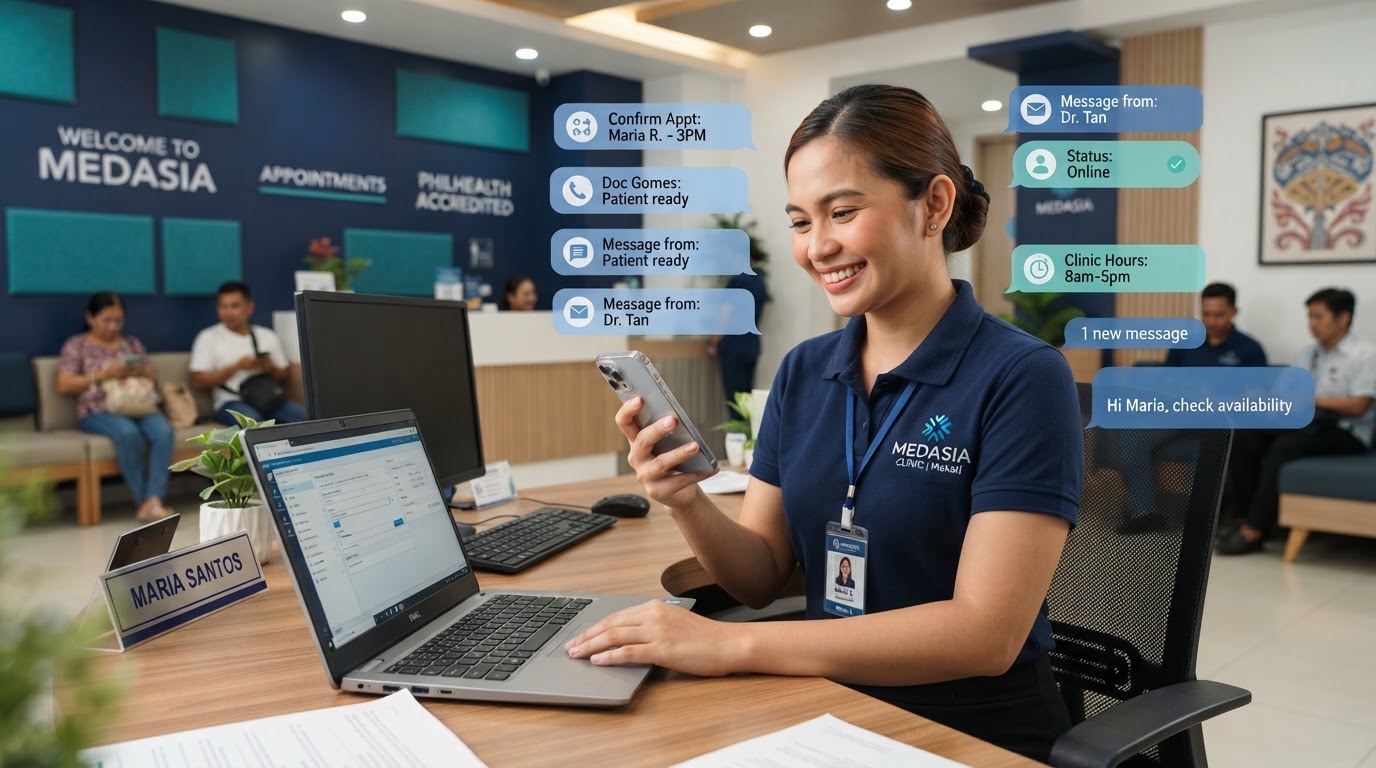
One Inbox for Every Patient Message
Bring patient messages from every channel, including Facebook Messenger and Instagram DMs, into a single unified inbox so your team can reply quickly and nothing gets missed.
Where CRM / Unified Inbox Fits
CRM / Unified Inbox is part of one connected system for clinic marketing. Start with your website, then add the ongoing tools that capture, follow up with, and book patients. You can add this service on its own or as part of a fuller plan.
Overview
What Is CRM / Unified Inbox?
When patients can reach you through several channels, messages get scattered across phones, inboxes, and social apps. A unified inbox brings every patient message into one place, including Facebook Messenger and Instagram DMs, so your team can reply quickly and no inquiry slips through.
Who It's For
Clinics that receive patient questions through more than one channel, including Facebook and Instagram, and want to stop checking them one at a time.

Why It Matters
Common Problems We Hear
These are the everyday frustrations clinics run into before this service is in place.
Messages land in different places, including social DMs, so some get missed or answered late
Your team can't see what another person already replied to
You lose track of where a conversation left off with a patient
Checking each channel and social app separately eats up front-desk time
Our Approach
How KlinikaPath Sets It Up
A clear, step-by-step setup so you know exactly what to expect.
- 1
We connect your patient message channels together, including your social profiles
- 2
Facebook Messenger and Instagram DMs flow into the same shared inbox as your other messages
- 3
All messages sit in one inbox your team can open on desktop or phone
- 4
Each patient keeps a full conversation history in one thread
- 5
We hand over to your team so everyone replies from the same place
The Difference
Scattered Messages vs One Inbox
See what changes when every patient message lands in one place instead of spread across channels.
Without a Unified Inbox
- Messages land in different places, including social DMs, so some get missed or answered late
- Your team can't see what another person already replied to
- You lose track of where a conversation left off with a patient
- Checking each channel and social app separately eats up front-desk time
With CRM / Unified Inbox
- Every patient message in one view, including social DMs, instead of scattered across channels
- Faster replies because your team isn't switching between apps
- No inquiry slips through unnoticed
- A clear history for each patient, so context is never lost
Benefits
What You Get From CRM / Unified Inbox
Every patient message in one view, including social DMs, instead of scattered across channels
Faster replies because your team isn't switching between apps
No inquiry slips through unnoticed
A clear history for each patient, so context is never lost
Your Options
Choose What Fits Your Clinic
Single-Channel Start
We connect one main patient channel to the shared inbox to get your team used to it.
Multi-Channel Setup
We connect all of your patient channels, including Facebook Messenger and Instagram DMs, so every message lands in one inbox.
Related Services
Pair CRM / Unified Inbox With
These services work alongside CRM / Unified Inbox to cover the full path from a patient's first search to a booked appointment.
FAQ
CRM / Unified Inbox Questions
Ready to Start Your CRM / Unified Inbox Project?
Book a free strategy call and we'll recommend a plan that fits your clinic.